
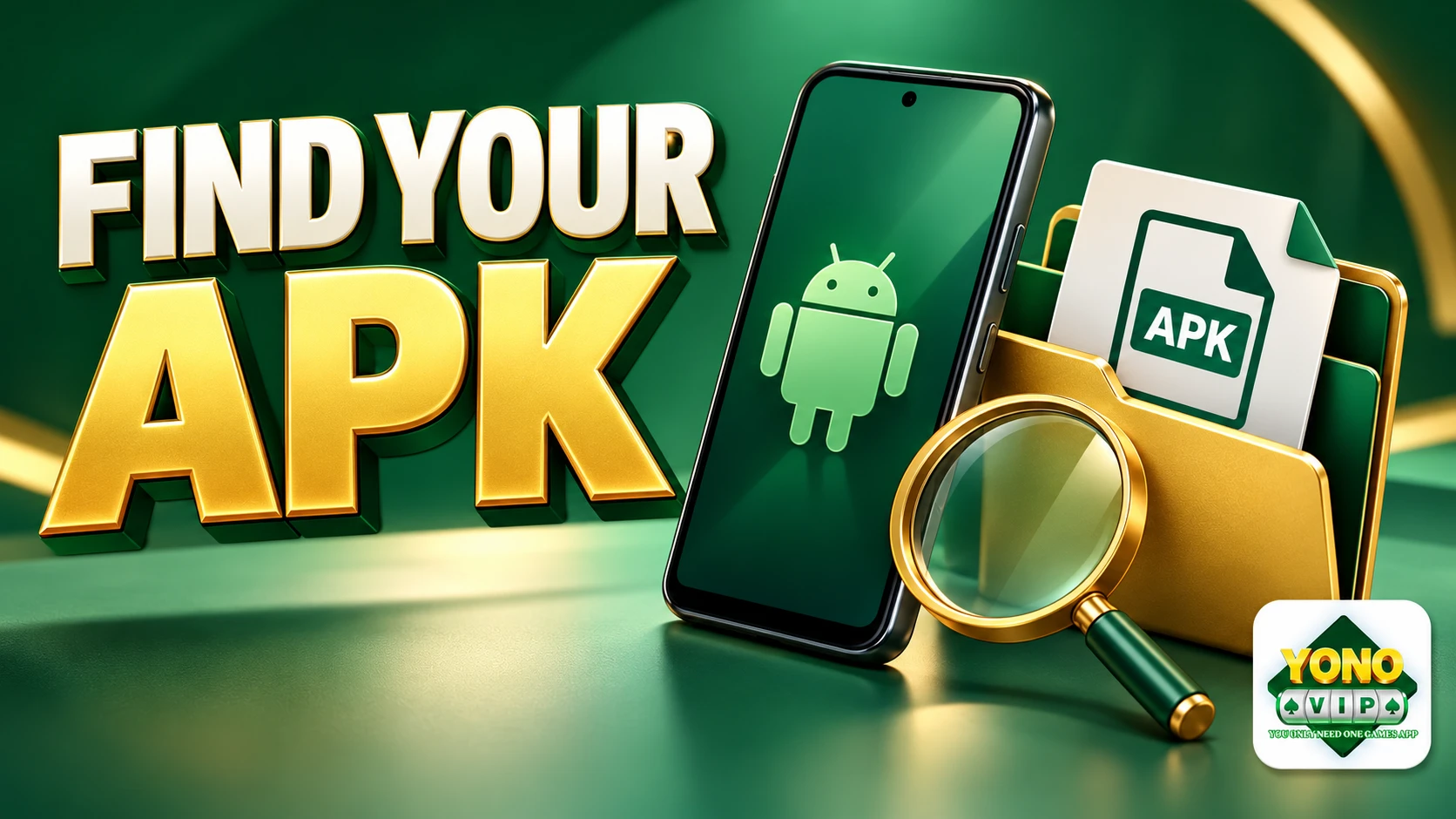
To find a Yono VIP APK you have downloaded on Android, check the browser's Downloads list first, then your phone's Files or My Files app. Confirm that the transfer finished before looking for an installer.
You usually do not need to download another copy just because no app icon has appeared. A saved APK is an installation file; it is not the same thing as an installed application.
Find the file through Chrome
Open Chrome, tap its three-dot menu and select Downloads. Find the entry from the time you used the download link. With some toolbar layouts, the Downloads shortcut is reached by swiping up on the address bar.
Chrome's official Android download instructions describe this list and how to manage its entries.
Check the status, not just the name. If it is still paused or downloading, there may not yet be a complete file to open. If it failed, follow our download-not-starting checks.
We do not specify one guaranteed Yono VIP APK filename here. The destination operator can change filenames, so a random name from a search result is not proof that you found the correct package.
Look in Files or My Files
If the browser entry is not enough, open your phone's file-management app. Depending on the manufacturer, it may be called Files, My Files or something similar. Check the Downloads category or the location selected by your browser.
Sort recent files by date and compare the time with your download attempt. Google's Android file-management guide covers opening files and sorting the list; labels can differ between phones.
An .apk extension identifies an Android package format. It does not authenticate the publisher, show that the file is current or establish that it is safe. Match the file to the source you deliberately chose before opening it.
Check whether you saved a page instead
A saved webpage, image or screenshot is not an APK. If opening the item shows an offline page rather than Android's package installer, return to the original download destination and check what was actually saved.
Also distinguish the file from the app icon. The file manager shows downloaded files; the phone's app list shows installed apps. If installation already succeeded, look in the app list rather than downloading again to create a second installer.
What to do once you find it
Open only the file you intended to obtain and read Android's next prompt. This step may lead to installation, a compatibility message or a security warning. Keep security protections enabled and stop if the source or warning is unclear.
For the next stage, use our Android setup guide. If Android rejects an otherwise completed download, our APK-not-installing guide covers that separate problem.
Need to start again? Our download page points you toward the current destination. Avoid choosing among duplicate files by name alone; use the source, download time and browser history to identify your intended file.
Ready for your next game?
Get Yono VIP on your phone. Choose a game and start with the basics.
Related reading
Yono VIP for iPhone: No iOS App Is Available
Yono VIP does not have an iPhone app. Understand why the Android APK cannot install on iOS and avoid misleading iPhone download claims.
Yono VIP APK Download Not Starting? Check These First
Separate a download that never starts from a paused transfer or an installation problem, with browser, connection and error-message checks.
Yono VIP on a New Phone: Login & Setup Checklist
New Android phone? Set up Yono VIP, use your existing sign-in and keep the old phone handy until you're back in. A quick moving-day checklist.